Step 1
Install extension and login
Download and pin the Chrome extension, then log in through the popup so your credits and try-on history stay synced.
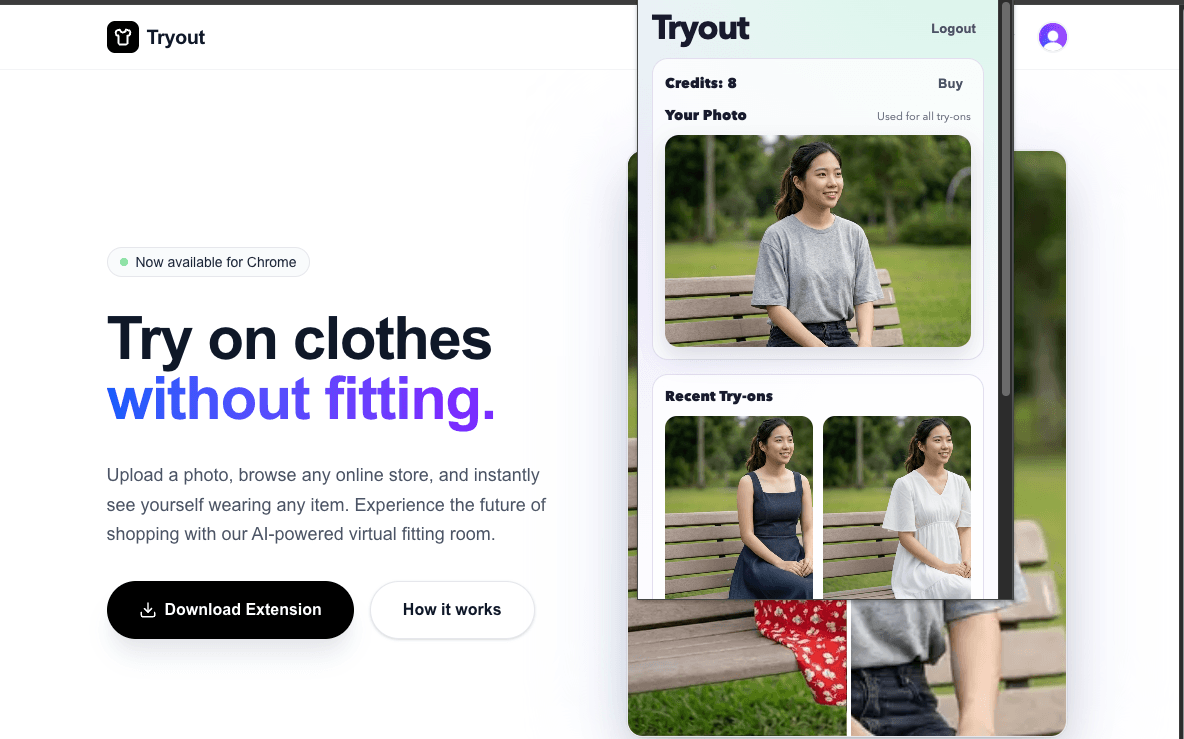
Upload a photo, browse any online store, and instantly see yourself wearing any item. Experience the future of shopping with our AI-powered virtual fitting room.


How It Works
Install the extension, sign in, upload your photo, then right-click any product image to generate a realistic try-on in seconds.
Download and pin the Chrome extension, then log in through the popup so your credits and try-on history stay synced.
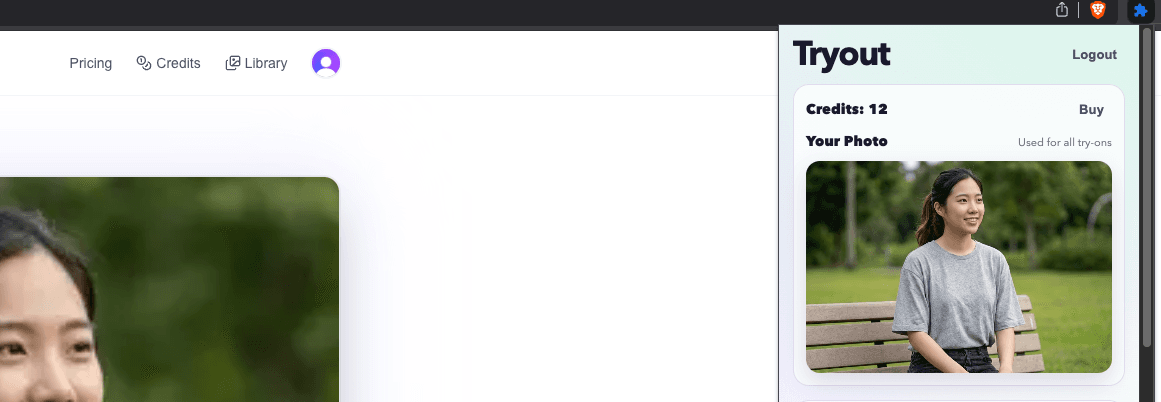
Use the extension popup to upload a clear front-facing image of yourself. You can update it anytime with the Change Photo button.
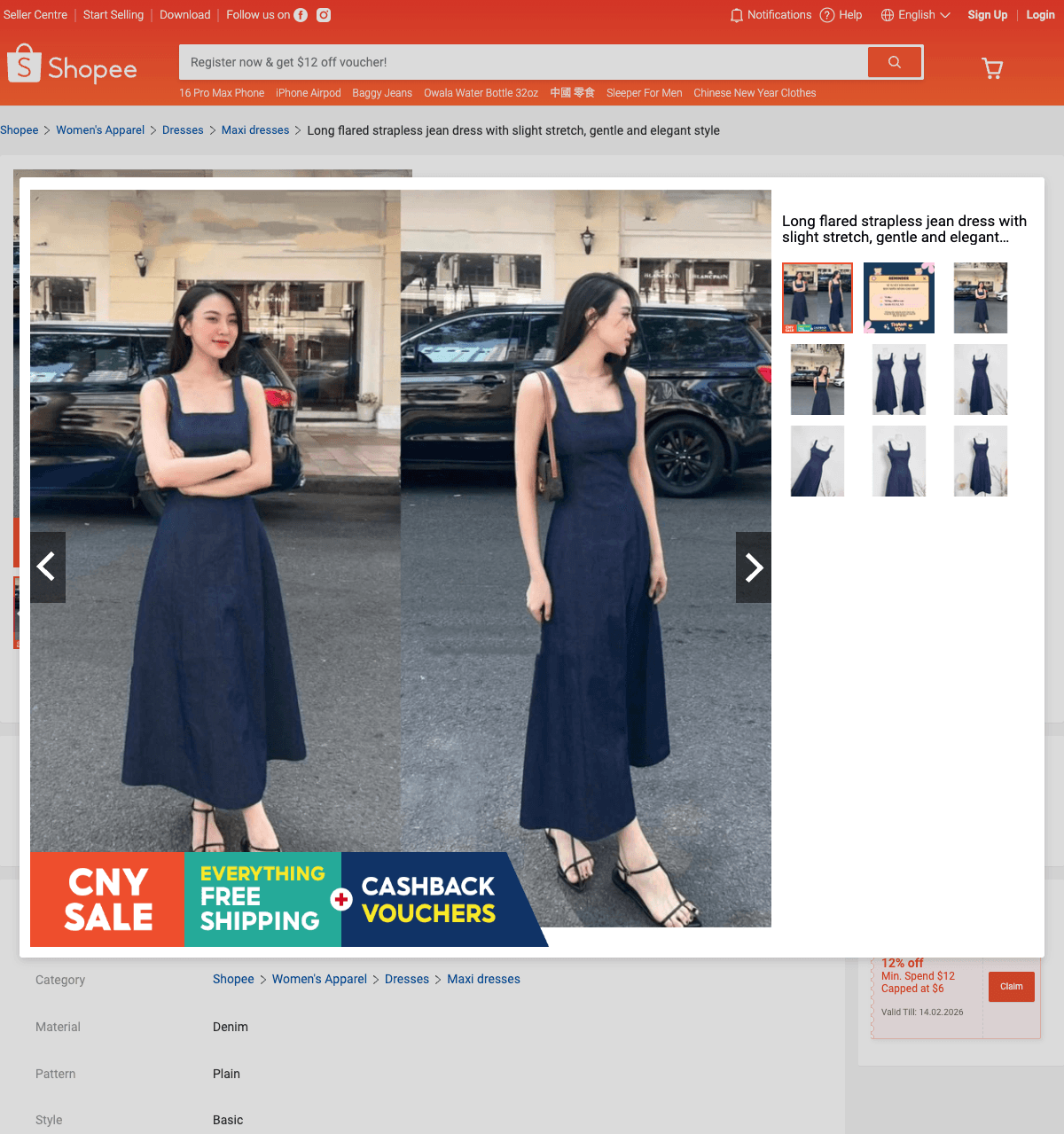
Browse any product page, right-click the clothing image, and choose Try on this item from the menu.
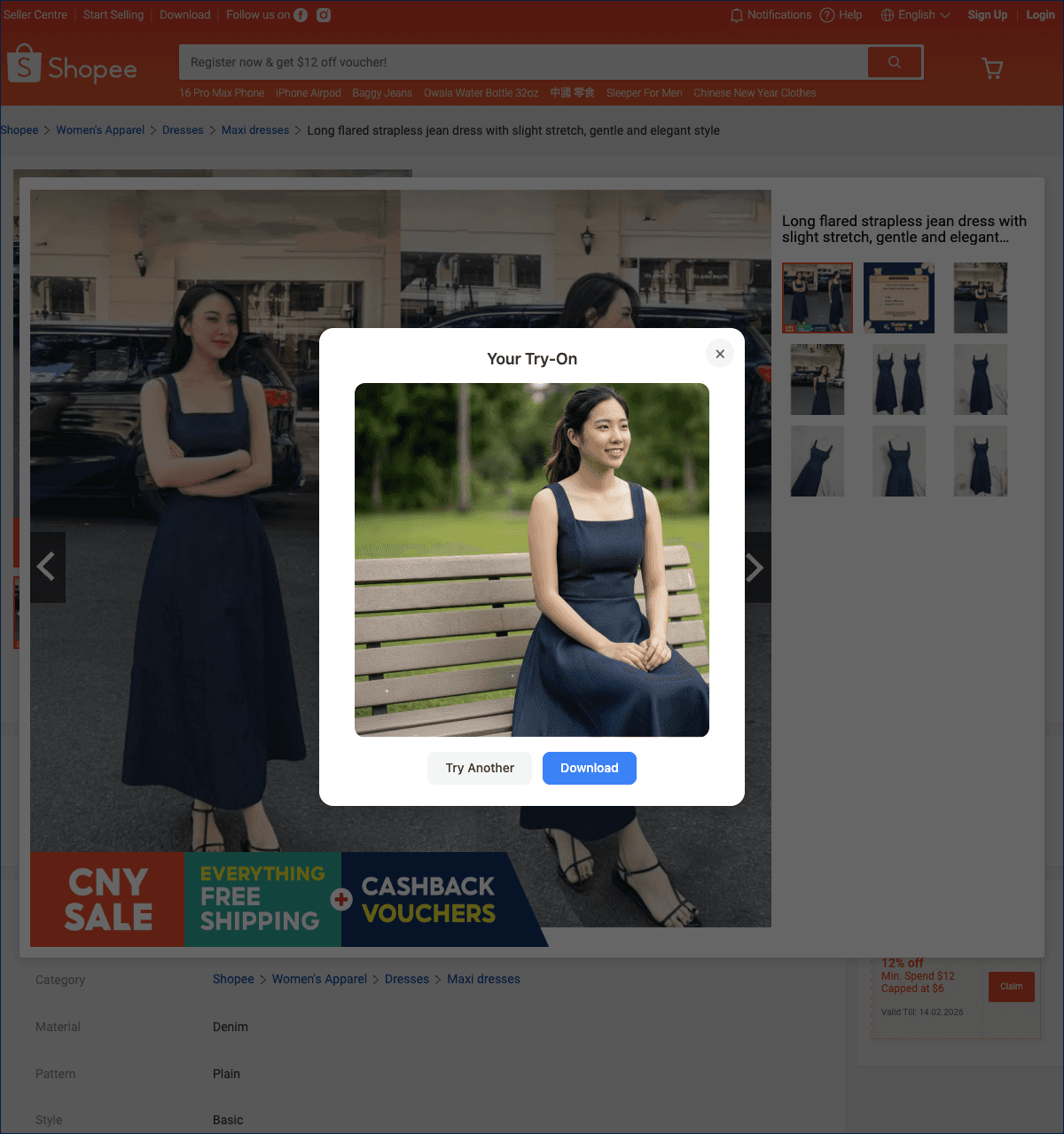
In seconds, your try-on appears. Download it, try another product, or keep browsing and generate more looks.